PCR Data Analysis Software: Which Tools Handle Multi-Platform Labs?
PCR Data Analysis: From Amplification Curves to Biological Insight
Quantitative PCR (qPCR) produces amplification curves, melting profiles, and threshold cycle (Ct) values — raw outputs that require careful analysis to yield meaningful biological conclusions. The choice of PCR data analysis software directly affects the accuracy, reproducibility, and presentation of results in gene expression studies, genotyping, and pathogen detection.
This article reviews the software landscape for PCR data analysis, covering both instrument-specific platforms and general-purpose tools that serve multi-instrument labs.
Instrument-Specific vs. Platform-Independent Software
Instrument-Specific Solutions
Every major qPCR manufacturer provides dedicated analysis software optimized for their hardware:
- Bio-Rad CFX Maestro supports CFX systems with reference gene selection, melt curve analysis, and statistical testing built in.
- Thermo Fisher QuantStudio Design & Analysis Software handles absolute and relative quantification, allelic discrimination, and copy number variation for QuantStudio instruments.
- QIAGEN Rotor-Gene Suite provides melt curve genotyping and multi-channel analysis for the Rotor-Gene Q platform.
- Roche LightCycler 96 Software offers straightforward quantification and melting analysis workflows.
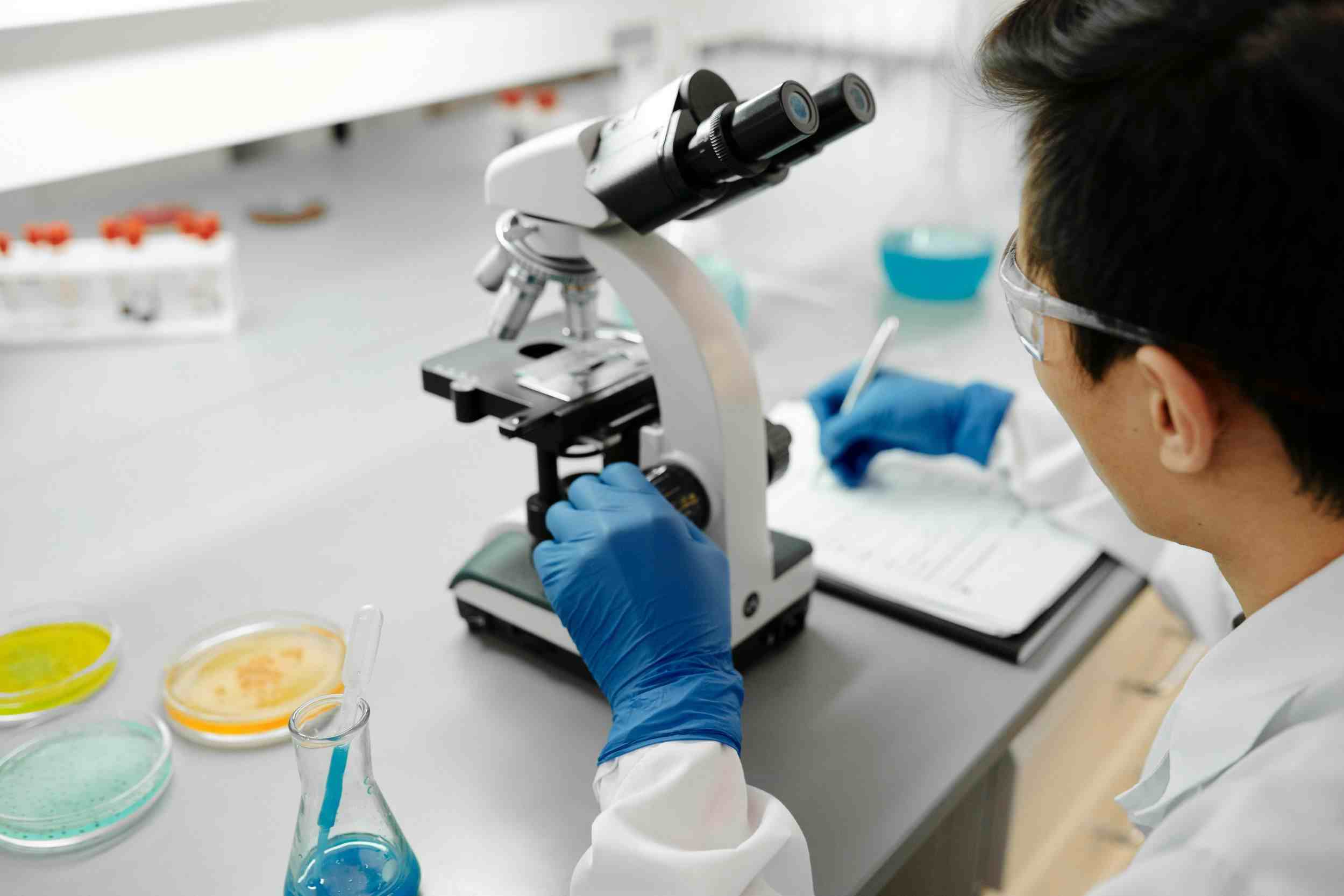
These tools deliver optimized performance for their instruments but create compatibility barriers when labs use mixed hardware or need to consolidate data from multiple platforms.
Platform-Independent Tools
Multi-instrument labs need software that accepts data from any qPCR system. Several tools fill this gap:
- LinRegPCR is a free Windows application that determines baseline fluorescence and calculates PCR efficiency per sample — critical for accurate relative quantification when efficiencies vary between reactions.
- qBase+ provides cloud-based qPCR analysis with inter-run calibration, reference gene validation, and automated delta-delta Ct calculations using PCR efficiency correction.
- GenEx supports complex experimental designs with advanced statistical analysis and visualization capabilities.
- GraphPad Prism handles normalization, curve fitting, and publication-quality figure generation for qPCR data, though it requires manual data import and setup.
Key Analysis Steps and What Software Must Handle
Baseline and Threshold Setting
Accurate quantification depends on correctly identifying the exponential phase of amplification and setting an appropriate threshold. Automated algorithms work well for clean data, but noisy baselines or low-abundance targets require manual adjustment. Quality PCR analysis software provides both automatic and manual options with visual feedback.
ZettaLab's approach to data integrity — visible across its ZettaGene platform — emphasizes automated quality checks with human override capability. While ZettaGene focuses on sequence analysis and primer design, its companion tooling supports the same philosophy: automate what can be automated, flag what cannot, and provide clear interfaces for researcher intervention.
Efficiency Calculation
PCR efficiency reflects how perfectly each template doubles per cycle. Ideal efficiency is 100% (E = 2), but real reactions range from 90% to 110% (E = 1.90–2.10). Software that assumes perfect efficiency introduces errors in relative quantification.
LinRegPCR calculates efficiency individually for each reaction, while qBase+ uses mean efficiencies per amplicon. The choice depends on experimental design and data quality.
Reference Gene Normalization
Gene expression studies require normalization to stable reference genes (housekeeping genes). Software should help researchers validate reference gene stability (using algorithms like geNorm, NormFinder, or BestKeeper) and apply appropriate normalization strategies.
Statistical Analysis and Visualization
Biological conclusions require statistical rigor. Quality analysis software should perform group comparisons (t-tests, ANOVA), calculate fold changes with confidence intervals, and generate publication-ready figures — bar charts, scatter plots, and heat maps that clearly communicate results.
Specialized Analysis Applications
High-Resolution Melt (HRM) Analysis
HRM detects genetic variants by analyzing the shape of melting curves post-amplification. Software like Bio-Rad Precision Melt Analysis and the HRM module in Rotor-Gene Suite differentiate between homozygous wild-type, heterozygous, and homozygous mutant genotypes based on melt curve profiles.
Allelic Discrimination and Genotyping
TaqMan-based SNP assays produce fluorescence data in two channels corresponding to each allele. Analysis software clusters samples by fluorescence intensity to assign genotypes automatically, with manual override for ambiguous calls. QuantStudio software and similar platforms provide dedicated allelic discrimination workflows.
Digital PCR (dPCR) Analysis
Digital PCR partitions samples into thousands of individual reactions, enabling absolute quantification without standard curves. Bio-Rad's QuantaSoft, Thermo Fisher's QuantStudio Absolute Q software, and Stilla Technologies' Crystal Miner each handle partition analysis, Poisson correction, and concentration calculation for their respective dPCR platforms.
Building Reproducible qPCR Workflows
Data Management and Documentation
Reproducibility in qPCR analysis requires complete documentation of every analysis parameter: baseline settings, threshold values, efficiency calculations, reference gene selections, and statistical methods. Manual analysis in spreadsheets rarely preserves this level of detail.
ZettaLab's ZettaNote electronic lab notebook addresses documentation challenges across all experimental workflows, including qPCR. By linking analysis parameters to experimental protocols and raw data, ZettaNote creates auditable records that satisfy both institutional requirements and journal submission guidelines.
Inter-Run Calibration
When experiments span multiple qPCR runs — as they often do in large studies — inter-run variation can confound results. Tools like qBase+ and GenEx offer inter-run calibration using common reference samples run on every plate, enabling direct comparison across batches.
Practical Recommendations
- Use instrument software for initial data quality assessment — flag failed reactions and outliers before exporting data.
- Calculate efficiency, don't assume it — use LinRegPCR or qBase+ to determine real efficiency values.
- Validate reference genes — use geNorm or NormFinder to confirm stability before normalizing.
- Document every parameter — store analysis settings alongside raw data in your ELN.
- Choose the right statistical test — biological replication requires different tests than technical replication.
Conclusion
PCR data analysis software spans a wide spectrum from instrument-specific packages to platform-independent tools. The best choice depends on lab hardware, experimental complexity, and the need for reproducible, documented workflows. Regardless of the specific tool chosen, the principles remain constant: calculate real efficiencies, validate reference genes, apply appropriate statistics, and document everything. ZettaLab's ecosystem of ZettaGene for upstream sequence analysis and ZettaNote for experimental documentation provides the infrastructure that connects qPCR analysis to the broader research context, ensuring that data doesn't exist in isolation but contributes to a coherent, reproducible body of scientific knowledge.
Related Articles