Benchling vs Labarchives: R&d Platform vs Notebook-first ELN
Benchling and LabArchives are both cloud notebooks, which is exactly why the comparison confuses people — they are not the same kind of product. Benchling is an R&D platform whose molecular biology suite — cloning wizards, CRISPR design, alignments — sits inside the same environment as notebook entries and a sequence registry. LabArchives is a notebook-first ELN: its center of gravity is recording, organizing, and sharing experiments, with inventory, scheduling, education, and government editions around it and design tools connected through integrations. Choose Benchling when sequence design and records must share one data model; choose LabArchives when notebook-first scope, an existing institutional license, or teaching deployment decides.
Quick Answer: Platform or Notebook First
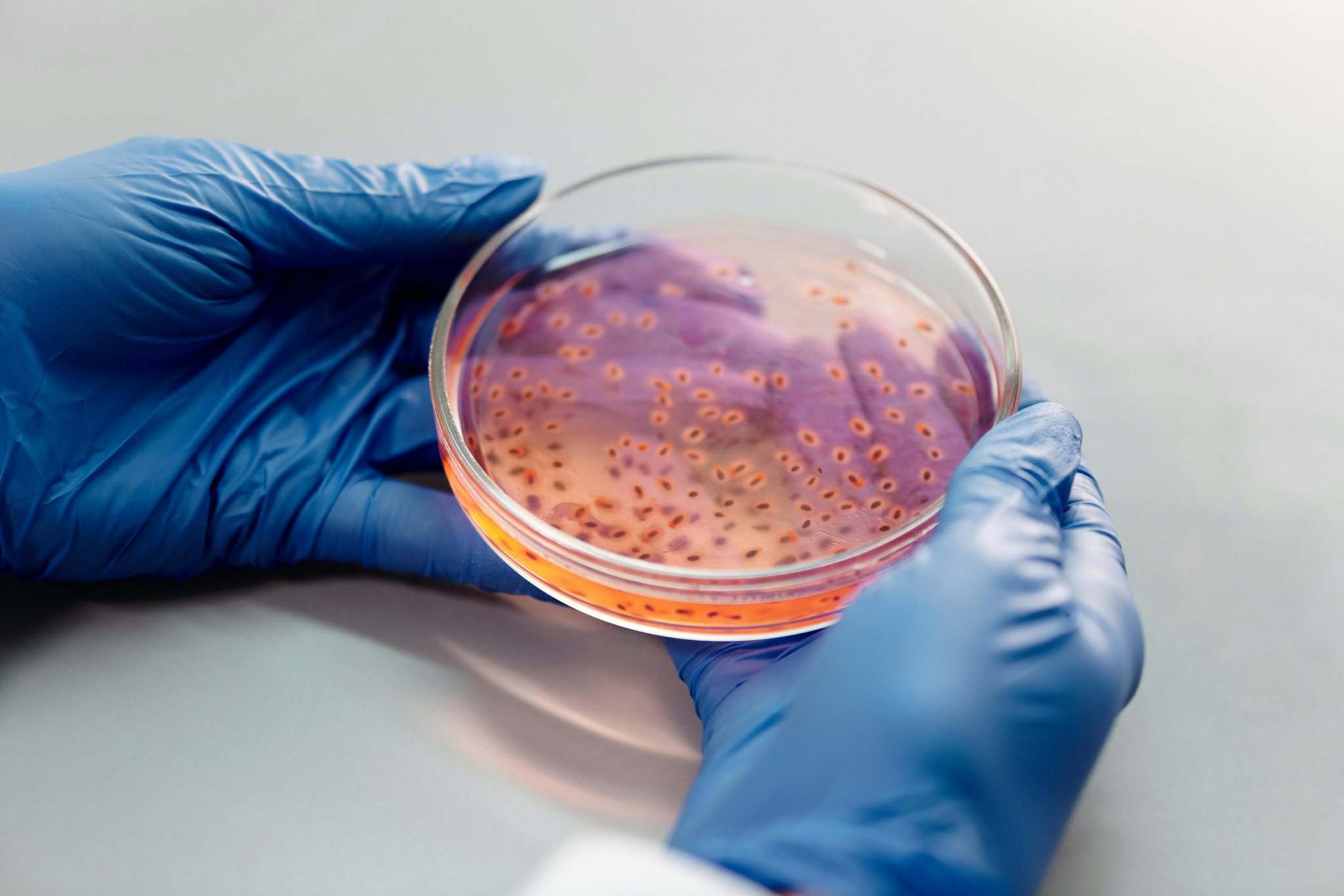
Choose Benchling if the lab's daily friction is keeping sequences, entities, and experiment records connected: designing a construct, registering it, and writing the entry that used it as parts of one workflow. The platform enforces that linkage structurally — sequences have version history and permissions, entries link to them, and the registry keeps one canonical version of each entity.
Choose LabArchives if the primary need is an excellent notebook that any lab member can adopt, the institution already holds a license, or the context is teaching or compliance-driven deployment. Molecular biology work still happens in LabArchives — DNA files can be browsed and annotated inside entries — but serious design work typically runs in a dedicated tool like SnapGene or Geneious and joins the notebook through integrations.
One controlling question: does your design work need to live inside the record environment, or connect to it? Everything else in this comparison follows from that answer.
What Each Product Actually Is
Benchling's page describes a cloud-based platform for biotech R&D: the collaborative notebook is one module beside a registry that models biomolecules, samples, and reagents, workflow automation, and a validated cloud offering for regulated environments. The molecular biology layer — Assembly Wizard for restriction, Gibson, and Golden Gate cloning, CRISPR guide and primer design, BLAST searches, automated annotation — is not an add-on; it is the reason many molecular labs adopt the platform.
LabArchives' page describes the modern electronic lab notebook: ELN for Research as the core, joined by Inventory (sample and resource management connected to research data), Scheduler for shared equipment, ELN for Education for course management, and a Government edition built for NIST 800-53 requirements with FedRAMP authorization. Notebook capabilities include customizable templates, chemical sketches, image annotation, DNA file browsing, and custom identifiers that connect notes to inventory and experimental data.
The comparison level matters: platform versus ELN suite. Both are cloud products, both come from the Dotmatics family, and both can hold your experiment records — but they put the weight in different places. Benchling bets that embedded tooling produces better records; LabArchives bets that a focused notebook plus integrations serves more lab types.
Benchling vs LabArchives: Side-by-Side
| Dimension | Benchling | LabArchives | Fit implication |
|---|---|---|---|
| Core scope | R&D platform: notebook + registry + workflows | Notebook-first ELN with adjacent modules | Platform scope pays off when linkage is the pain |
| Molecular biology tools | Embedded: cloning, CRISPR, alignments, primers | DNA file viewing in entries; design via integrations | Design-inside-records vs design-beside-records |
| Registry and inventory | Registry central to platform (paid tier) | Inventory module connects samples to research data | Both model entities; Benchling couples them to sequences natively |
| Teaching deployment | Academic availability | Dedicated ELN for Education with course management | Course-heavy institutions lean LabArchives |
| Security and compliance posture | Validated Cloud for regulated environments | Vendor-stated SOC2, ISO 27001, HIPAA, GDPR; FedRAMP-authorized government edition | Match the posture to your audit regime, then verify independently |
| Collaboration | Shared entities with permissions and version history | Real-time collaboration, internal and external sharing | Roughly comparable; entity models differ |
| Entry licensing | Free academic tier (notebook + molbio tools) | Start free and upgrade as the team grows; institutional licenses common | Check institutional access before paying anyone |
| Best fit | Sequence-centric labs needing one data model | Notebook-first labs, institutions, teaching contexts | — |
Embedded Tools or Integrations: The Real Difference
Run the same cloning project through both models and the difference becomes concrete. In Benchling, you design the assembly in the platform's wizard, the construct exists as a registered entity with version history, and the notebook entry references that entity directly. Nothing is retyped; the record and the design object are the same data. When a colleague opens the entry two years later, the construct it used is one click away in its current, traceable form.
In LabArchives, the notebook entry is the hub, and the design tool is a connected instrument. You design in SnapGene or Geneious, and the artifact — a file, a map, a screenshot — attaches to the entry through the integration. This preserves tool choice: your lab keeps the sequence editor it prefers, and the notebook stays generic enough for a chemistry collaboration or a behavioral protocol in the same week. The cost is linkage discipline: the connection between entry and construct is a file reference, and its quality depends on the person who made it.
Neither model is dishonest, but they fail differently. The embedded model fails when your preferred tool is outside the platform — you either work in the platform's tooling or accept a second-class attachment. The integration model fails when the lab's discipline slips — entries reference outdated files, and reconstructing the actual design becomes detective work. Know which failure mode your team can live with.
Weighing Institutional Reality Against Workflow Needs
Before any feature comparison, answer these in order:
- Does your institution already license one of them? A university-wide LabArchives license changes the math: it is funded, supported, and recognized by your compliance office. Overriding it needs a workflow argument strong enough to justify running parallel systems.
- Is your record pain sequence-centric? If most entries reference constructs, clones, and guide RNAs, the embedded model saves daily friction and Benchling's free academic tier makes testing cheap. If entries are heterogeneous — gels, cell counts, animal work — the notebook-first product serves that variety better.
- How much teaching does your group do? Course management with in-person and distance support is a dedicated LabArchives edition, not a side feature; teaching-heavy PIs should weight it heavily.
- What does your audit regime require? Note each vendor's stated posture — Benchling's Validated Cloud for regulated work, LabArchives' government edition with FedRAMP authorization — then verify against your specific requirements rather than the marketing row.
The hybrid is legitimate and common: LabArchives as the institutional notebook, Benchling or another design environment for sequence work, connected by exports and attachment discipline. The one non-negotiable is a written rule for which record is canonical — the split-brain scenario, where the real experiment history lives in neither system completely, is the expensive failure this decision can produce.
A Records-First Pilot
- Pick one complete experiment from the last quarter — design, execution, verification, and handoff — and redo its documentation end to end in each product.
- Score reconstruction, not features: can a colleague who was not involved determine what was done, with which construct version, and why, in under ten minutes?
- Test the molecular biology path specifically: run one real cloning design in Benchling's tools, and the same design in your SnapGene-plus-LabArchives integration flow.
- Check export for both: request a complete, structured export of everything you created, and treat weak export as lock-in evidence.
- Apply the rule: if reconstruction was faster where design and records were linked, choose the platform; if the notebook handled your lab's variety better and design tools stayed untouched, choose the ELN — and if the institution licenses one already, let that weight break ties.
If neither product fits the bill cleanly, adjacent options exist on both sides: the LabArchives alternatives for molecular biology and Benchling alternatives for small molbio labs pages survey the field, and a connected workspace like Zettalab's ZettaNote pairs structured experiment records with sequence tools in one place.
Frequently Asked Questions
Does LabArchives integrate with SnapGene?
Yes. SnapGene appears on LabArchives' official integrations list alongside Geneious, GraphPad Prism, and Microsoft tools — that integration path is how design artifacts from dedicated sequence editors join notebook entries.
Which is better for molecular biology experiment records?
It depends on where design happens. Benchling embeds cloning, CRISPR, and alignment tools beside notebook entries so sequences and records stay structurally linked; LabArchives keeps a strong general notebook and connects design tools through integrations. Sequence-centric labs usually prefer the embedded model; labs with heterogeneous records often prefer the notebook-first one.
Is LabArchives free to start?
LabArchives offers a start-free-and-upgrade entry point, and many universities hold institutional licenses, so check with your library or core facilities before evaluating paid tiers. Benchling's academic plan is also free for verified academics, though its registry and inventory products sit outside the free tier.
Can a lab use both Benchling and LabArchives?
Yes, and institutional-license labs with sequence-centric needs often do — typically LabArchives as the institutional notebook and Benchling for sequence design. The requirement is a written canonical-record rule: decide which system holds the authoritative experiment history, or the lab ends up with split-brain documentation.
Related Articles