Research Lab Software: What Biology Teams Should Evaluate
Research lab software is most valuable when it connects the tools molecular biology teams use every day — sequence editors, electronic lab notebooks, file storage, and collaboration features — into a single workspace. For labs working across DNA design, cloning, experiment documentation, and data sharing, fragmented tool stacks create data silos and slow research progress. This article covers what to evaluate when choosing research lab software, how connected platforms differ from standalone tools, and how cloud-based R&D platforms help molecular biology teams reduce fragmentation and improve traceability.
What Research Lab Software Covers in Molecular Biology
Research lab software refers to digital tools that help scientific teams plan experiments, record results, manage files, and collaborate across projects. In molecular biology, this includes DNA sequence editors, plasmid construction tools, primer design applications, electronic lab notebooks, file management systems, and team collaboration platforms.
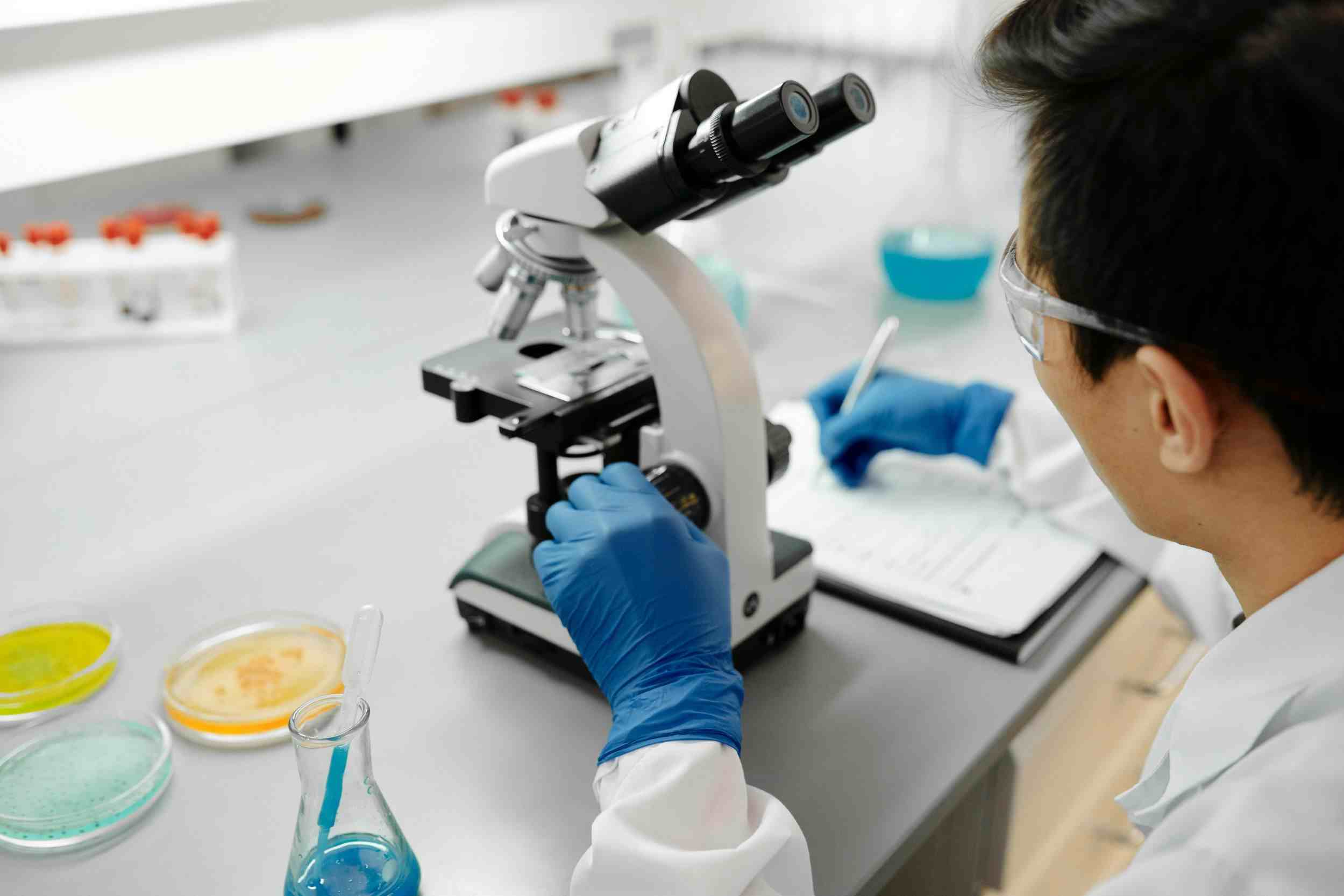
Most labs accumulate a mix of standalone tools over time. A researcher might use one program for sequence alignment, another for experiment notes, a shared drive for files, and email for team communication. Each tool may work individually, but the lack of connection between them creates friction when experiments move between design, documentation, and analysis stages.
Modern research lab software addresses this gap by offering either specialized tools with better integration points or connected platforms that bring multiple capabilities into one workspace. The choice between these approaches depends on the lab's workflow complexity, team size, and data management requirements.
Why Fragmented Tool Stacks Slow Down Research Teams
Molecular biology workflows rarely follow a linear path. A typical project may involve sequence retrieval, primer or gRNA design, plasmid construction, transformation, colony screening, sequencing validation, and experiment documentation — often with multiple team members contributing at different stages.
When each step lives in a different tool, researchers spend significant time reformatting data, searching for files, or reconstructing context. A plasmid map created in one application may not link to the experiment record in another. Primer sequences designed last month may be buried in a spreadsheet that a colleague cannot locate.
These inefficiencies compound over time. For academic labs managing multiple graduate student projects, the cost is lost continuity when students graduate. For biotech startups racing toward milestones, the cost is delayed decision-making. For CROs handling client work, the cost is documentation gaps that undermine reproducibility and audit readiness.
Research lab software that connects sequence tools, experiment records, and file management within the same project context reduces these friction points. The goal is not to replace every specialized tool, but to ensure that data flows between tools without manual reassembly.
Key Capabilities to Evaluate in Research Lab Software
Selecting the right research lab software requires looking beyond feature lists. Teams should evaluate how well a tool or platform fits their actual workflow, not just how many functions it offers.
Sequence and molecular biology tools. For teams working with DNA sequences, plasmid maps, primers, or CRISPR guide RNAs, the software should support visualization, editing, and annotation in formats compatible with downstream experiment records. Standalone sequence editors work for individual tasks, but when design outputs need to connect with ELN entries or shared project files, workflow compatibility matters more than feature count.
Experiment documentation and traceability. An electronic lab notebook should do more than replicate a paper notebook on screen. It should support structured templates, timestamped entries, cross-references to sequence files and project data, and permission-aware collaboration. For teams preparing for GLP audits or IP documentation, traceability — the ability to link an experiment record to the exact sequence files, protocols, and data that shaped it — is a core requirement.
File management and organization. Research files — sequencing results, gel images, protocol versions, raw data exports — tend to scatter across personal computers, shared drives, and messaging apps. Research lab software with integrated file storage helps teams organize files by project, manage access permissions, and retrieve data without searching through disconnected folders.
Team collaboration and permissions. Collaboration in research labs involves sharing experiment records, reviewing sequence designs, co-authoring protocols, and accessing shared resources. Software should support role-based permissions so that sensitive files and draft records remain accessible only to authorized team members, while shared resources stay visible to the broader group.
Data security and hosting. Cloud-based platforms should provide encryption, access controls, and data residency options appropriate for the lab's regulatory environment. Academic labs may have different requirements than biotech startups handling proprietary sequences or biopharma teams preparing regulatory submissions.
How a Connected R&D Platform Bridges Lab Data Silos
A connected R&D platform brings multiple research lab functions into one cloud-based workspace, reducing the need to switch between separate applications. For molecular biology teams, this typically means combining sequence design tools, electronic lab notebooks, and file management within the same project structure.
The practical value shows up in everyday workflows. When a researcher designs a primer set, the output can link directly to the experiment record documenting the PCR run. When a plasmid is constructed, the map and annotation file remain accessible from the project folder and the ELN entry describing the cloning strategy. When a team member reviews an experiment, they can see the associated sequence files without requesting access to a separate system.
Zettalab is designed around this connected-workflow approach. ZettaGene covers molecular biology tasks such as sequence visualization, plasmid construction, primer design, and alignment. ZettaNote handles structured experiment documentation with templates, annotations, cross-references, and permission-aware records. ZettaFile supports project-based file storage with batch upload, download, and team access controls. Together, they allow research teams to move between design, documentation, and data management without losing context.
This model is particularly relevant for teams where experiments do not end at the bench. When results feed into publications, patent filings, regulatory submissions, or cross-team handoffs, having connected records reduces the effort needed to reconstruct what was done, when, and why.
Standalone Tools vs Connected Research Lab Platforms
Choosing between standalone tools and a connected platform depends on the lab's size, workflow, and growth trajectory. Neither approach is universally better; each has trade-offs worth understanding.
| Dimension | Standalone Tools | Connected R&D Platform |
|---|---|---|
| Specialization depth | Often deeper in a single function (e.g., advanced alignment algorithms) | Covers multiple workflow stages; individual modules may have narrower depth |
| Data flow between tools | Manual — requires export, reformatting, and re-import | Built-in — sequence files, experiment records, and project files share context |
| Collaboration | Typically limited to file sharing or individual accounts | Team-based permissions, shared templates, and cross-referenced records |
| File organization | Relies on external storage (shared drives, cloud folders) | Project-based file storage integrated with experiment records |
| Onboarding and training | Lower per-tool learning curve; each tool does one thing | Broader initial setup; higher long-term value as workflows expand |
| Cost structure | Multiple separate licenses or subscriptions | Consolidated platform pricing; may reduce total cost for growing teams |
| Best suited for | Individual researchers with narrow, well-defined tasks | Teams managing multi-step projects with documentation and collaboration needs |
For a single researcher running occasional sequence alignments, a standalone tool may be sufficient. For a biotech startup building a reproducible R&D pipeline, or an academic lab managing multiple concurrent projects with rotating team members, a connected platform typically offers better long-term value.
Workflow Example: Connecting Sequence Design to Experiment Documentation
Consider a biotech startup working on a gene therapy vector. The team needs to design a construct, document the cloning strategy, validate the sequence, and maintain records for internal review and future regulatory reference.
In a fragmented setup, the lead scientist designs the construct in a desktop sequence editor, writes notes in a shared document, stores sequencing results in a lab computer folder, and emails the plasmid map to a colleague for review. When the colleague asks which version of the sequence was used, the team spends time tracing file versions across email threads and local folders.
With connected research lab software, the workflow changes. The construct is designed using ZettaGene, where the plasmid map and sequence annotations are saved within the project. The cloning protocol and experiment notes are recorded in ZettaNote, with cross-references to the sequence file and the project folder in ZettaFile. When the sequencing results arrive, they are uploaded to the same project folder and linked to the ELN entry. Any team member reviewing the experiment can trace the full path from design to validation without requesting files from colleagues.
The value of this approach should be evaluated by documentation completeness, file retrieval time, experiment handoff quality, and how easily the team can reconstruct the research record for review or submission.
Implementing Research Lab Software in Your Lab
Adopting new software in a research environment involves practical considerations beyond feature comparison. Teams that plan for these factors tend to see higher adoption and more consistent use.
Start with workflow mapping. Before selecting software, map the lab's core workflows: which steps generate data, where records are kept, who needs access, and how information moves between team members. This helps identify which capabilities are essential and which are nice to have.
Plan for data migration. Existing experiment records, sequence files, and protocols need to move into the new system. Cloud-based platforms typically support batch uploads and common file formats, but teams should plan the migration sequence — project by project or function by function — to avoid overwhelming researchers during the transition.
Define permissions and templates early. Setting up role-based access and standardized ELN templates before rollout reduces confusion. Lab managers can pre-configure templates for common experiment types, ensuring consistency from the first day of use.
Train for workflow, not just features. Training should focus on how the software fits the lab's specific research process, not just how to click through menus. When researchers understand how connecting their sequence design to their experiment record saves them time later, adoption follows naturally.
Review and iterate. After the initial rollout, schedule a review to assess adoption patterns, identify unused features, and gather feedback. Software adoption in research labs is rarely perfect on the first attempt; iterative improvement based on actual usage patterns leads to better long-term outcomes.
Frequently Asked Questions
What is research lab software?
Research lab software includes digital tools that help scientific teams plan experiments, record results, manage data files, and collaborate on research projects. In molecular biology, this covers sequence editors, plasmid construction tools, electronic lab notebooks, file management systems, and collaboration platforms. The right software depends on the lab's workflow, team size, and data management needs. For molecular biology teams, the software often needs to bridge sequence design, experiment documentation, and data management, making workflow integration a key factor in software selection.
How is an electronic lab notebook different from a generic document tool?
An ELN designed for research labs supports structured experiment records, timestamped entries, templates, cross-references to sequence files and project data, and permission-aware collaboration. Generic document tools lack the scientific context — linking an experiment record to a specific plasmid map, primer set, or sequencing result — that makes lab documentation traceable and reproducible. ZettaNote is an example of an ELN built for this purpose.
What should a molecular biology lab look for in research lab software?
Key evaluation criteria include workflow fit (does the software match how the lab actually works), collaboration support (permissions, shared templates, cross-references), traceability (linking experiment records to underlying data), file organization, and data security. Teams should also consider how well the software connects different stages of the research process rather than treating each step in isolation. Additionally, labs should evaluate whether the software supports team onboarding, template standardization, and long-term data accessibility as projects and personnel change over time.
Why do data silos matter in research labs?
Data silos occur when experiment records, sequence files, protocols, and collaboration notes live in separate systems. They make it harder to reconstruct research context, increase time spent searching for files, and create documentation gaps that affect reproducibility, team handoffs, and regulatory preparation. In molecular biology, where experiments often build on previous designs, such as reusing a validated plasmid or referencing a prior sequencing result, disconnected data can lead to duplicated effort and lost institutional knowledge. Connected research lab software reduces silos by linking data across workflow stages.
Is cloud-based research lab software secure enough for sensitive projects?
Cloud-based platforms can provide strong security through encryption, access controls, audit logs, and data residency options. Teams handling proprietary sequences, IP-sensitive data, or regulatory submissions should evaluate the platform's security controls against their specific requirements rather than assuming all cloud solutions meet the same standard. Reputable providers invest in infrastructure that meets or exceeds on-premises security standards, including role-based access controls and encryption at rest and in transit. Teams should request security documentation and assess whether the platform's controls align with their institutional or funder-mandated policies before adoption.
Can a connected platform replace all standalone tools?
Not necessarily. Some specialized tools offer depth that a platform module may not match. A connected platform is most valuable when it covers the core workflow and integrates well with any remaining specialized tools. The goal is to reduce fragmentation, not to eliminate every standalone application. Teams should map their essential workflows first and identify any specialized tools that must remain in use. A well-designed connected platform accommodates these by supporting common file formats and import/export capabilities, reducing friction between integrated and standalone applications.
How does Zettalab connect molecular biology tools with experiment records?
Zettalab brings sequence design tools (ZettaGene), electronic lab notebooks (ZettaNote), and file management (ZettaFile) into the same cloud-based workspace. This allows researchers to link plasmid maps, primer designs, and sequence files directly to experiment records and project folders, improving traceability and reducing context switching. For example, when a researcher designs a CRISPR guide RNA in ZettaCRISPR or constructs a plasmid in ZettaGene, those outputs can be linked to a ZettaNote experiment entry and stored in the project's ZettaFile directory. This connected structure means any team member can trace the full experimental context from design rationale to final record without searching across separate systems.
Choosing the Right Research Lab Software for Your Team
Research lab software is most effective when it reflects how molecular biology teams actually work — moving between sequence design, experiment documentation, file management, and collaboration as a continuous workflow rather than a series of disconnected tasks. Standalone tools have their place for specialized functions, but as teams grow and projects become more complex, the cost of fragmentation increases.
When evaluating research lab software, focus on workflow fit, traceability, collaboration features, and how well the tool connects different stages of the research process. Cloud-based R&D platforms like Zettalab offer one approach to bridging these gaps, combining molecular biology tools, structured experiment records, and team file management in a single workspace.
Teams exploring their options can start with a free trial to assess how connected research lab software fits their specific workflow, or visit the Zettalab Academy for workflow guides and product tutorials.
Related Articles