Experimental Record Software: Choosing the Right Tool
Experimental record software helps research teams document, organize, and manage experiment data in a structured digital format — replacing paper notebooks, scattered documents, and disconnected spreadsheets. For molecular biology, biotech, and life science teams, the right experimental record software does more than capture notes: it connects experiment records with sequence files, project data, lab files, and collaboration history so that research remains traceable, reproducible, and accessible across the team.
This guide explains what experimental record software is, why research teams are moving away from manual record-keeping, what to evaluate when choosing a solution, and how domain-specific tools differ from generic document platforms.
What Is Experimental Record Software?
Experimental record software is a category of research tools designed to capture, store, and organize experiment-related information in a digital, searchable, and often collaborative environment. It typically includes electronic lab notebooks (ELNs), experiment tracking systems, and research documentation platforms.
At its core, experimental record software serves the same function as a traditional lab notebook — recording what was done, when, by whom, and what the results were. But unlike paper notebooks, digital experiment records can be searched, cross-referenced, version-controlled, and shared with appropriate permissions. Modern experimental record software also supports file attachments, timestamps, annotations, templates, and links to external data sources, making it possible to maintain a more complete and auditable research record.
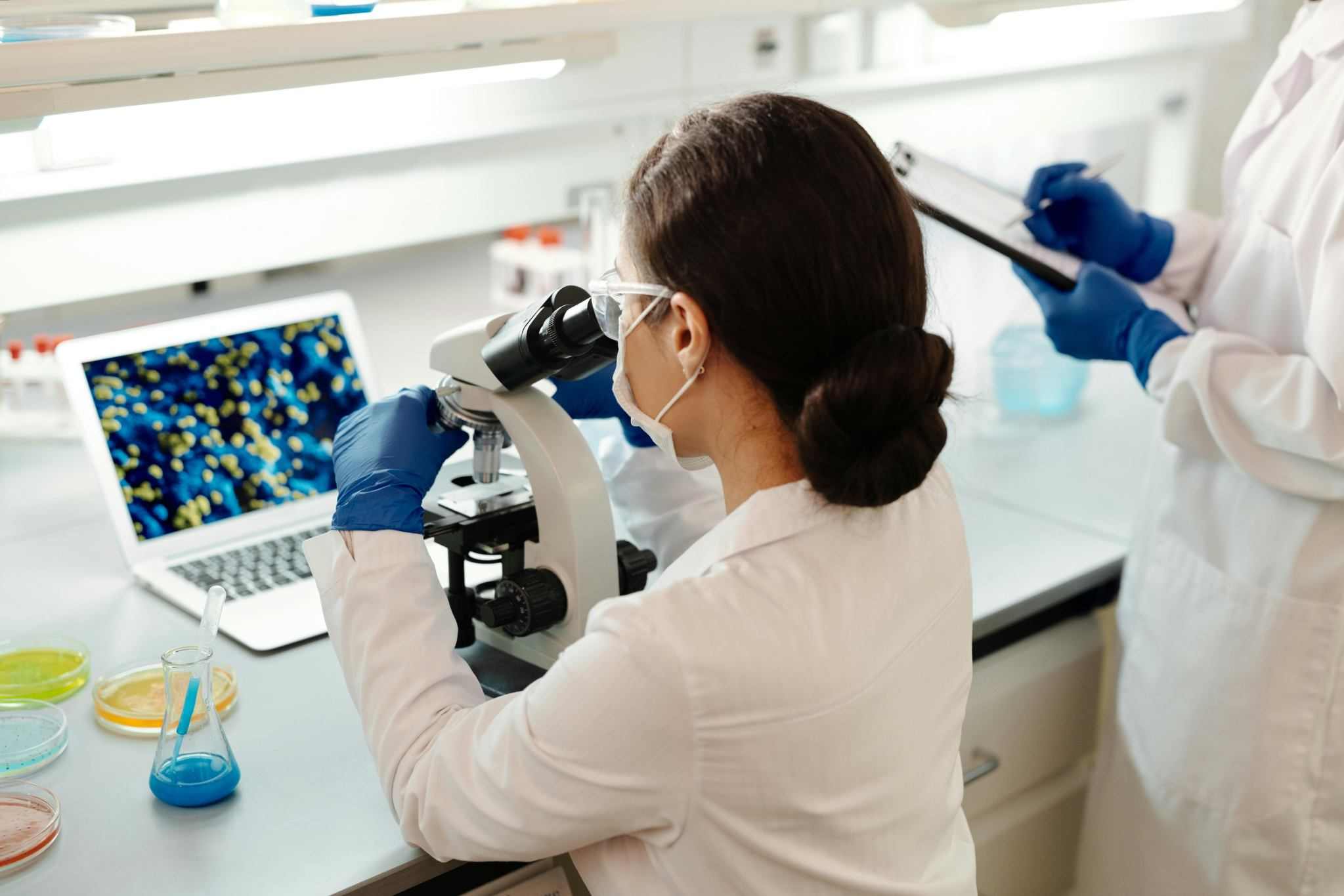
For teams working in molecular biology, experimental record software often needs to handle more than text entries. Researchers work with DNA sequences, plasmid maps, primer designs, alignment results, gel images, and cloning protocols — all of which form part of the experimental context. An experimental record system that cannot accommodate these data types risks becoming a documentation silo rather than a connected research tool.
Why Research Teams Are Moving to Digital Experimental Records
The shift from paper notebooks and ad-hoc document folders to dedicated experimental record software is driven by several practical challenges that affect research quality, collaboration, and long-term knowledge retention.
Fragmented Documentation Across Tools and People
In many labs, experiment records are spread across personal notebooks, shared drives, messaging apps, email attachments, and local files. A molecular biologist might record a cloning experiment in a paper notebook, store the plasmid map on a personal computer, share gel images through a chat app, and discuss protocol adjustments over email. When another team member needs to reproduce or build on that experiment, they have to reconstruct the context from multiple disconnected sources.
Reproducibility and Traceability Gaps
Reproducibility depends on complete, accurate, and accessible experiment records. Paper notebooks can be lost, damaged, or difficult to search. Documents stored on individual computers may not be visible to collaborators. Without a structured record system, it is hard to verify whether an experiment was performed consistently, what reagents were used, or how results were interpreted. Research teams working under GLP or audit-readiness expectations face additional pressure to maintain documentation that supports traceability.
Collaboration Bottlenecks
When experiment records are siloed, collaboration slows down. Team members cannot easily review each other's work, provide annotations, or reference prior experiments. Principal investigators may lack visibility into ongoing projects. Lab managers may struggle to standardize documentation practices across the team. These bottlenecks become more pronounced as teams grow, work across multiple sites, or onboard new researchers.
Knowledge Loss During Team Transitions
When a researcher leaves a lab, their knowledge often leaves with them — especially if experiment records are kept in personal notebooks or local files. Experimental record software helps teams retain institutional knowledge by keeping experiment documentation, files, and collaboration history in a shared, searchable system that persists beyond individual contributors.
What to Evaluate When Choosing Experimental Record Software
Not all experimental record software is designed for the same use cases. A tool that works well for a chemistry lab may not support the data types and workflows of a molecular biology team. Here are the key dimensions research teams should evaluate.
Domain Fit and Data Type Support
The most important criterion is whether the software can handle the types of data your team generates. Molecular biology teams need to document sequence data, plasmid maps, primer designs, PCR results, gel images, cloning strategies, and protocol details. A generic document tool may allow text entry and file attachments, but it will not natively connect experiment records with molecular biology data. Teams should assess whether the software supports the data types and experimental workflows specific to their field.
Structured Templates and Documentation Standards
Consistent documentation is difficult to enforce without templates. Good experimental record software allows teams to create, share, and enforce documentation templates — including required fields, standardized protocol sections, and structured result entries. This reduces variability in how experiments are recorded and makes it easier to review and compare results across projects.
Search, Retrieval, and Cross-Referencing
As experiment records accumulate, the ability to search and cross-reference becomes critical. Teams should evaluate whether the software supports full-text search, metadata-based filtering, cross-referencing between experiments, and linking to associated files, users, or projects. A system that only supports chronological browsing will not scale as the volume of records grows.
File Management and Attachment Handling
Experiments generate files — images, spreadsheets, sequence files, PDFs, instrument outputs. Experimental record software should support file attachments with appropriate size limits, version tracking, and organized storage. Teams should also consider whether files are stored within the experiment record (maintaining context) or in a separate file management system that requires manual linking.
Permissions and Access Control
Research teams have varying access needs. Principal investigators may need read access across all projects. Lab members may need write access to their own experiments and read access to shared protocols. External collaborators may need limited, time-bound access. Experimental record software should support role-based permissions that reflect how research teams actually work.
Collaboration and Annotation Features
Beyond basic sharing, teams benefit from features like inline annotations, comments, review workflows, and the ability to reference other team members' experiment records. These features support mentorship, peer review, and project continuity without requiring separate communication tools.
Export, Backup, and Data Portability
Research records may need to be exported for publications, grant applications, patent filings, regulatory submissions, or institutional audits. Teams should check whether the software supports PDF export, structured data export, and reliable backup. Data portability is also important — teams should not be locked into a system where their records cannot be extracted in a usable format.
Security and Compliance Readiness
For teams working under GLP, GMP, or institutional compliance requirements, experimental record software should support audit trails, access logging, data encryption, and secure storage. It is important to note that software can support compliance readiness, but compliance itself depends on how the team uses the software and whether institutional processes are followed. No software can automatically guarantee regulatory approval.
Integration with Other Research Tools
Experimental record software does not operate in isolation. Teams should evaluate whether the software integrates with or complements other tools they use — sequence editors, file storage systems, project management platforms, reference managers, or instrument software. A connected ecosystem reduces the friction of moving between design, documentation, and analysis.
Experimental Record Software for Molecular Biology Workflows
Molecular biology labs face documentation challenges that go beyond what generic ELN or note-taking tools were designed to handle. A typical molecular biology workflow might involve designing a primer, constructing a plasmid, running a PCR, analyzing gel electrophoresis results, performing sequence alignment, and recording all of this in a way that another researcher can understand and reproduce.
Each of these steps generates different types of data: sequence files (FASTA, GenBank, ABI), plasmid maps, alignment outputs, image files, protocol notes, and result interpretations. In many labs, these data types live in different places — a sequence editor on one computer, a plasmid map in a shared folder, gel images in a chat thread, and experiment notes in a paper notebook. The experimental record becomes an incomplete summary rather than a comprehensive, connected account.
Experimental record software designed for molecular biology should bridge these gaps. It should allow researchers to attach sequence files directly to experiment entries, reference plasmid maps and primer designs within their records, link related experiments across a project, and maintain a clear trail from experimental design through execution to results.
For example, when a researcher designs a CRISPR guide RNA and proceeds to a gene editing experiment, the experimental record should capture the design rationale, the specific gRNA sequence, the target gene, the experimental protocol, the validation results, and any follow-up sequence confirmation. If the design tool, the experiment record, and the sequence validation data live in separate systems with no connection, the full context is lost.
This is why many molecular biology teams are moving toward connected R&D workspaces — platforms that bring experimental record software together with molecular biology tools, file management, and collaboration features in a single environment.
How Zettalab Connects Experimental Records with Research Workflows
Zettalab is a cloud-based R&D platform designed for molecular biology and biotech teams. Rather than offering a standalone experimental record tool, Zettalab connects experiment documentation with sequence tools, file management, and collaboration features in a unified workspace.
ZettaNote: Structured Experiment Documentation
ZettaNote is Zettalab's electronic lab notebook, built for teams that need structured, traceable experiment records. It supports experiment documentation with templates, annotations, timestamps, file attachments, cross-references, and permission-aware collaboration. ZettaNote is most relevant when teams need to maintain consistent experiment records across projects, standardize documentation practices with shared templates, annotate and review each other's work within the record system, and keep experiment entries linked to the files and data that shaped them. Unlike a generic document tool, ZettaNote is designed to sit within a research workflow where experiment records are connected to sequence data, project files, and team collaboration history.
ZettaGene: Molecular Biology Tools Connected to Experiment Records
ZettaGene provides DNA sequence visualization and editing, plasmid construction, primer design, sequence alignment, and molecular cloning tools. Its relevance to experimental records is direct: when a researcher designs a primer or constructs a plasmid in ZettaGene, that design work can be connected to the experiment record in ZettaNote. This helps teams maintain continuity between the design phase and the documentation phase, reducing the risk of losing context between tools.
ZettaFile: Team File Storage That Supports Experiment Context
ZettaFile offers team-friendly file storage with permission management, batch upload and download, and project-based file organization. For experimental records, this means that the files associated with an experiment — gel images, sequence files, instrument outputs, protocol PDFs — can be stored in a structured, permission-controlled environment alongside the experiment record rather than scattered across personal devices or generic cloud storage.
A Connected Workflow Example
Consider a biotech startup working on a gene editing project. The team uses ZettaCRISPR to design guide RNAs, ZettaGene to visualize target sequences and plan cloning strategies, ZettaNote to document each experiment from design through validation, and ZettaFile to store and organize associated files. The experimental record is not an isolated document — it is connected to the design tools, the sequence data, and the project files that give it meaning. This connected approach helps teams reduce documentation gaps, improve handoff quality between team members, and maintain a more complete research trail.
Comparison: Generic Tools vs. Standalone ELN vs. Connected R&D Workspace
When evaluating experimental record software, research teams typically encounter three categories of solutions. Each has different strengths and limitations depending on the team's workflow needs.
| Evaluation Dimension | Generic Document Tools (e.g., Word, Google Docs, Notion) | Standalone ELN Software | Connected R&D Workspace (e.g., Zettalab) |
|---|---|---|---|
| Experiment documentation | Basic text entry; no structured templates for lab workflows | Structured experiment records with templates and metadata | Structured records connected to sequence tools and project files |
| Molecular biology data support | File attachments only; no native sequence or plasmid support | May support attachments; limited domain-specific data handling | Native support for sequence files, plasmid maps, primers, and alignment data |
| Search and retrieval | Limited to file name or basic text search | Full-text search within experiment records | Search across experiment records, files, sequence data, and collaboration history |
| Collaboration | Real-time editing but no role-based lab permissions | Team sharing with basic permissions | Permission-aware collaboration with annotations, cross-references, and review |
| File management | Separate from experiment records; manual linking | Attachment-based; may lack organized file storage | Integrated file storage connected to experiment records and project structure |
| Traceability | No audit trail or version control for lab records | Audit trail for experiment entries | Audit trail connected across design tools, records, and files |
| Implementation effort | Low; but requires manual structure and discipline | Moderate; requires template setup and team adoption | Moderate; requires workflow alignment but reduces tool fragmentation |
| Best suited for | Individual note-taking or early-stage documentation | Labs that need structured ELN without domain-specific tools | Molecular biology and biotech teams that need connected design, documentation, and collaboration |
This comparison is not intended to suggest that one category is universally better than another. The right choice depends on the team's research domain, data types, collaboration needs, and existing tool ecosystem. For teams whose work centers on molecular biology experiments, a connected workspace can reduce the friction of moving between design tools, experiment records, and file storage.
Implementation Considerations for Research Teams
Adopting experimental record software involves more than selecting a product. Teams should plan for practical implementation factors that affect adoption and long-term value.
Template design and standardization. Before rolling out the software, teams should define documentation templates that reflect their actual experimental workflows. Templates that are too rigid will discourage use; templates that are too loose will not improve consistency. Involving researchers in template design helps ensure that the system matches how experiments are actually performed.
Data migration from existing records. Many teams have years of experiment records in paper notebooks, local files, or shared drives. Planning how to migrate or reference these records — even if only partially — helps prevent knowledge gaps when the new system goes live.
Permission structure and access policies. Teams should define permission levels before onboarding. Clear policies about who can view, edit, annotate, and export records prevent confusion and protect sensitive research data.
Training and onboarding. Even intuitive software requires orientation. Teams should plan for initial training sessions, reference guides, and ongoing support. Lab managers or designated power users can help drive adoption by modeling good documentation practices.
Security and data governance. Research teams handling sensitive or IP-protected data should review the software's security features — including encryption, access controls, data residency, and backup policies — before deployment. Compliance readiness depends on both software capabilities and institutional processes.
Integration with existing tools. If the team already uses specific sequence editors, instrument software, or reference managers, they should evaluate whether the new experimental record software can integrate with or complement these tools. A connected ecosystem reduces duplicate data entry and improves workflow continuity.
Adoption metrics. Teams can evaluate the impact of experimental record software by tracking documentation completeness, search and retrieval time, experiment handoff quality, file retrieval frequency, template adoption rates, and the frequency of cross-referencing between records. These indicators provide a more meaningful picture of value than simple usage statistics.
FAQ
What is experimental record software?
Experimental record software is a digital tool that helps research teams capture, organize, store, and manage experiment-related data. It replaces paper lab notebooks and scattered documents with structured, searchable, and often collaborative digital records. Common features include experiment entries with timestamps, file attachments, templates, annotations, and cross-referencing. For molecular biology and biotech teams, experimental record software may also need to support sequence files, plasmid maps, and other domain-specific data types.
How is experimental record software different from a generic document tool?
Generic document tools like Word or Google Docs allow text entry and file attachments, but they lack the structure, traceability, and domain-specific features that research documentation requires. Experimental record software provides structured templates for lab workflows, audit trails, permission-based access, full-text search across experiment records, and the ability to cross-reference experiments with associated data. Generic tools can serve as a temporary solution, but they do not scale well for teams that need consistent, traceable, and collaborative experiment documentation.
What should a molecular biology lab look for in experimental record software?
A molecular biology lab should look for experimental record software that supports domain-specific data types such as DNA sequences, plasmid maps, primer designs, and alignment results. The software should allow file attachments with context, provide structured templates for common experimental workflows, support cross-referencing between related experiments, and enable team collaboration with appropriate permissions. Integration with molecular biology tools and file storage systems is also an important consideration. Zettalab's ZettaNote and ZettaGene are examples of tools designed to address these needs within a connected workspace.
Can experimental record software help with research reproducibility?
Yes, experimental record software can support reproducibility by maintaining complete, structured, and searchable records of what was done, when, and with what materials. Reproducibility depends on the quality and consistency of documentation, and software that enforces templates, timestamps, and cross-referencing can help teams maintain more reliable records. However, software alone does not guarantee reproducibility — it depends on how consistently teams document their experiments and whether records capture sufficient detail for others to replicate the work.
Is cloud-based experimental record software secure enough for sensitive research?
Cloud-based experimental record software can provide strong security features including data encryption, access controls, audit trails, and secure backup. Research teams handling sensitive or IP-protected data should evaluate the vendor's security architecture, data residency policies, and compliance readiness before adoption. It is important to assess both the software's technical capabilities and the team's own data governance practices. Cloud-based systems often provide more consistent security than locally stored records that may lack backup, access controls, or encryption.
What is the difference between an ELN and experimental record software?
The terms are often used interchangeably, but "experimental record software" is a broader category that includes electronic lab notebooks (ELNs), experiment tracking systems, and research documentation platforms. An ELN is a specific type of experimental record software that focuses on structured lab documentation with templates, timestamps, and audit trails. Some ELN platforms also include domain-specific tools, file management, and collaboration features, while others function primarily as digital replacements for paper notebooks.
How do teams transition from paper notebooks to experimental record software?
Transitioning from paper notebooks involves defining documentation templates, migrating or referencing key historical records, training team members, and establishing permission and access policies. Teams should start by identifying the most common experiment types and creating templates that match their actual workflows. It is often more effective to phase the transition — starting with new experiments — rather than attempting to digitize all historical records at once. Designating a power user or lab manager to oversee adoption can help maintain consistency.
How does Zettalab's approach to experimental records differ from a standalone ELN?
Zettalab connects experimental records (ZettaNote) with molecular biology tools (ZettaGene), file storage (ZettaFile), and collaboration features in a single workspace. A standalone ELN typically focuses on experiment documentation without direct integration with sequence design tools, plasmid construction, or project file management. Zettalab's approach is designed for teams that want to reduce the friction between experimental design, documentation, and data management — keeping experiment records connected to the tools and files that shaped them.
Conclusion
Experimental record software is a foundational tool for any research team that needs to document experiments consistently, collaborate across members, and maintain traceable, reproducible records. The right choice depends on the team's research domain, data types, collaboration needs, and existing tool ecosystem.
For molecular biology and biotech teams, the decision goes beyond finding a generic ELN. The most useful experimental record software is one that connects experiment documentation with the sequence tools, plasmid maps, primer designs, and project files that define molecular biology work. A connected R&D workspace reduces documentation silos, improves handoff quality, and helps teams maintain a more complete research trail.
Zettalab brings together structured experiment records, molecular biology tools, team file storage, and collaboration features in a cloud-based platform designed for life science teams. If your team is evaluating experimental record software, explore how Zettalab fits your workflow — start with a free trial or request a demo to see how connected experiment documentation can support your research.
Related Articles